
Connect to your server
in one click.
Molo is a simple, native FTP client for Mac. Save your servers once, then come back to them with a single click — no complicated setup.
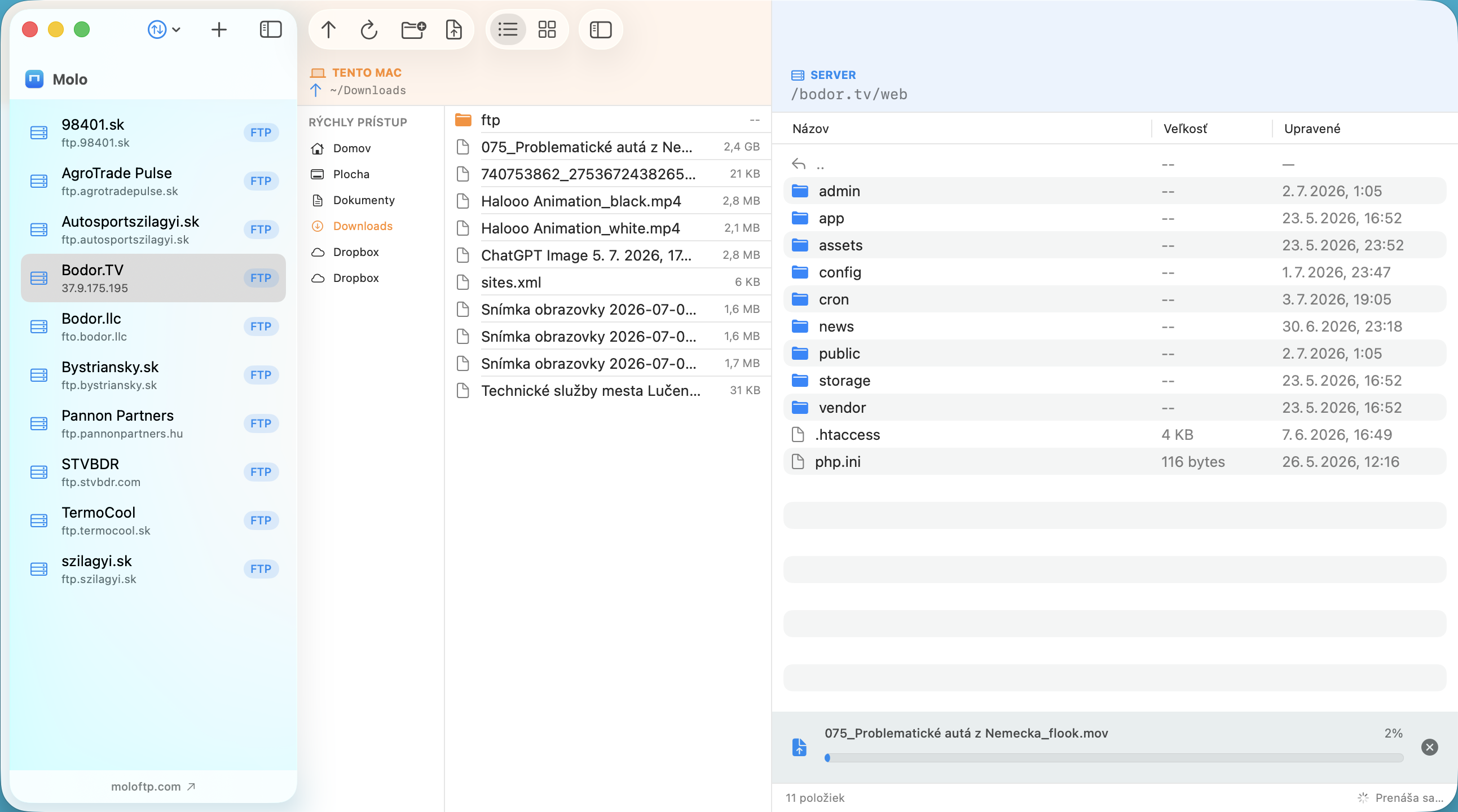
Saved servers, secured properly
Add a server once and Molo remembers it. Every password is encrypted in the macOS Keychain — the same vault Safari and your Apple ID use — never written to a plain config file on disk.
Built for Apple Silicon
Written directly in SwiftUI for M-series chips, not wrapped in a bundled browser. Molo launches instantly, stays light on memory, and won't drain your battery during long transfers.
FTP, FTPS & SFTP
Connect however your server requires — plain FTP, TLS-secured FTPS, or SSH-secured SFTP — all handled natively in the same app, with no extra plugins to configure.
Drag and drop, both ways
Local files and your server sit side by side. Drag a file from Finder straight onto the remote pane to upload it, or drag a remote file out to your desktop to download it — no import dialogs.
Import from FileZilla
Switching from FileZilla? Molo reads your existing site manager and brings over every saved server, including stored passwords, in a single import — nothing to retype.
Simple to use
Browse, rename, upload and download with the fewest clicks possible. Molo stays out of your way so moving files feels as fast as using the Finder itself.