
FTP vs SFTP vs FTPS: what is the difference and which should you use?
Hosting providers often list FTP, FTPS and SFTP side by side, and the names look almost identical. They are not the same thing, and the choice affects how safe your passwords and files are.
Short answer: use SFTP if your host offers it. Use FTPS if SFTP is not available. Use plain FTP only when nothing else is possible.
The three protocols
| FTP | FTPS | SFTP | |
|---|---|---|---|
| Full name | File Transfer Protocol | FTP over TLS/SSL | SSH File Transfer Protocol |
| Encrypted | No | Yes | Yes |
| Password sent in clear text | Yes | No | No |
| Typical port | 21 | 21 (explicit) or 990 (implicit) | 22 |
| Connections used | Control plus separate data connections | Control plus separate data connections | A single connection |
| Based on | Its own protocol | FTP plus TLS | SSH |
FTP: the original, with no encryption
FTP dates from the early days of the internet. Everything, including your username and password, travels as plain text, so anyone on the network path could read it. It is still common on older hosting plans and is fine on a trusted local network, but it should not be your first choice over the internet.
FTPS: FTP with a security layer
FTPS is the same FTP protocol wrapped in TLS, the same technology that protects websites. Commands and data are encrypted. Because it keeps FTP's separate data connections, it can be harder to get through strict firewalls, but most hosts support it well.
SFTP: a different protocol over SSH
Despite the name, SFTP is not FTP with security added. It is an entirely different protocol that runs inside an SSH connection, usually on port 22. It uses a single connection, which makes it firewall-friendly, and it is encrypted by design. If you already have SSH access to your server, SFTP is normally available too.
Which should you choose?
- SFTP if your host or server supports it.
- FTPS if only FTP-style access is offered, but with TLS.
- Plain FTP only if there is no alternative, ideally on a trusted network and with a password you do not reuse elsewhere.
Your hosting provider's control panel or welcome e-mail normally lists the protocol, host name, port, username and password to use.
Using all three in Molo
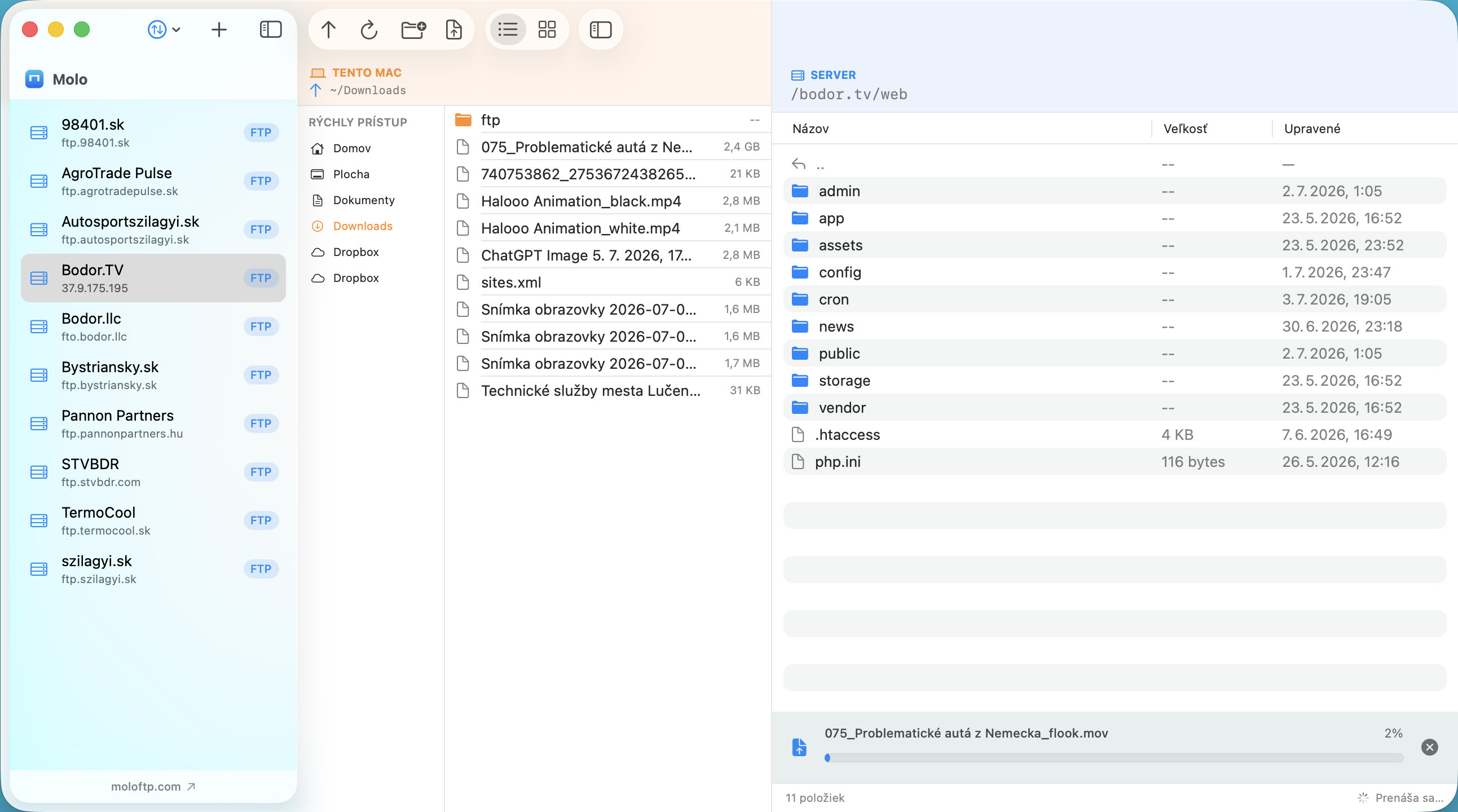
In Molo you pick the protocol when you add a server (FTP, FTPS or SFTP), and the port switches to the usual default. For SFTP, Molo remembers the server's key fingerprint on first connection and warns you if it ever changes. Passwords are stored in the macOS Keychain. See our guide to SFTP on Mac and how to connect to an FTP server on Mac.
Frequently asked questions
Is SFTP the same as FTPS?
No. SFTP runs over SSH, normally on port 22. FTPS is regular FTP protected by TLS, normally on port 21 or 990. Both encrypt your data, but they are different protocols and not interchangeable.
Is plain FTP safe?
Plain FTP does not encrypt anything, including your password. Use SFTP or FTPS whenever you can.
Which port does SFTP use?
SFTP normally uses port 22, the same as SSH.