
Molo vs Transmit on Mac: which paid FTP client is worth it?
Short answer: Transmit is the choice for professionals who want the widest range of services and features and are happy to pay more. Molo is the choice if you only need dependable FTP, FTPS and SFTP transfers in a clean Mac interface at a lower price.
At a glance
| Molo | Transmit (Panic) | |
|---|---|---|
| Platforms | Mac (Apple Silicon, macOS 14+) | Mac |
| Price | $12 one-time | Paid; check Panic's website for the current price |
| Protocols | FTP, FTPS, SFTP | FTP, FTPS, SFTP, WebDAV and many cloud services |
| Layout | Dual pane | Dual pane |
| Native Apple Silicon | Yes | Yes |
| Scope | Focused on file transfer | Broad, with many pro features |
What they have in common
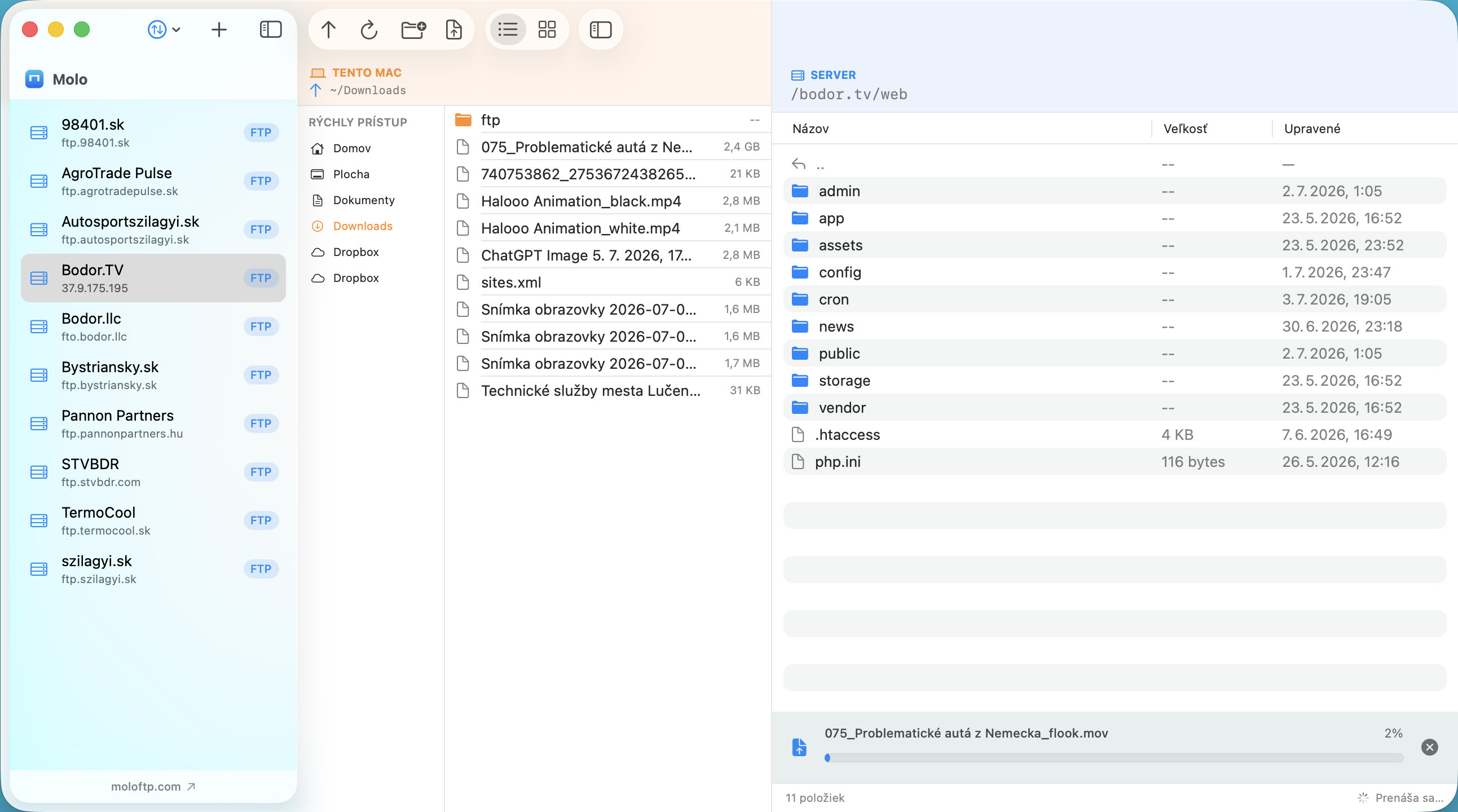
Both are Mac-only apps with a dual-pane layout that shows your Mac next to the server, which is the way many people prefer to transfer files. Both feel at home on macOS.
Where Transmit is stronger
- A very rich feature set built up over many years, aimed at professionals.
- More services than the three FTP-type protocols Molo supports.
- A well-known name with a long track record.
Where Molo is stronger
- Price: $12 once, no subscription, free updates within 1.x.
- Simplicity: a small number of clearly labelled buttons per pane.
- Connections that stay open: every server you open remains connected in the background and reconnects by itself.
- Import and export of FileZilla server lists, and a Molo backup file to move servers to another Mac.
- 14-day money-back guarantee so you can try it without risk.
Which one should you pick?
- Need advanced pro features or many cloud services, and the price is not an issue? Transmit.
- Want a fast, simple, affordable FTP/SFTP client for everyday website and server work? Molo.
Comparison written in October 2026 from the vendors' public information and our own use. Features and prices change, so check each vendor's website before you decide. All product names and trademarks belong to their respective owners; Molo is not affiliated with them.
Frequently asked questions
Is Molo a cheaper alternative to Transmit?
Molo costs $12 once and focuses on FTP, FTPS and SFTP. Transmit is a more feature-rich and more expensive tool; check Panic's site for its current price.
Does Molo have a dual-pane interface?
Yes. Your Mac is on one side and the server on the other, and you can drag files between them.
Can I try Molo before committing?
Molo has a 14-day money-back guarantee: write to us from your purchase e-mail within 14 days and we refund you.