
Best FTP client for Apple Silicon Mac (M1, M2, M3, M4) in 2026
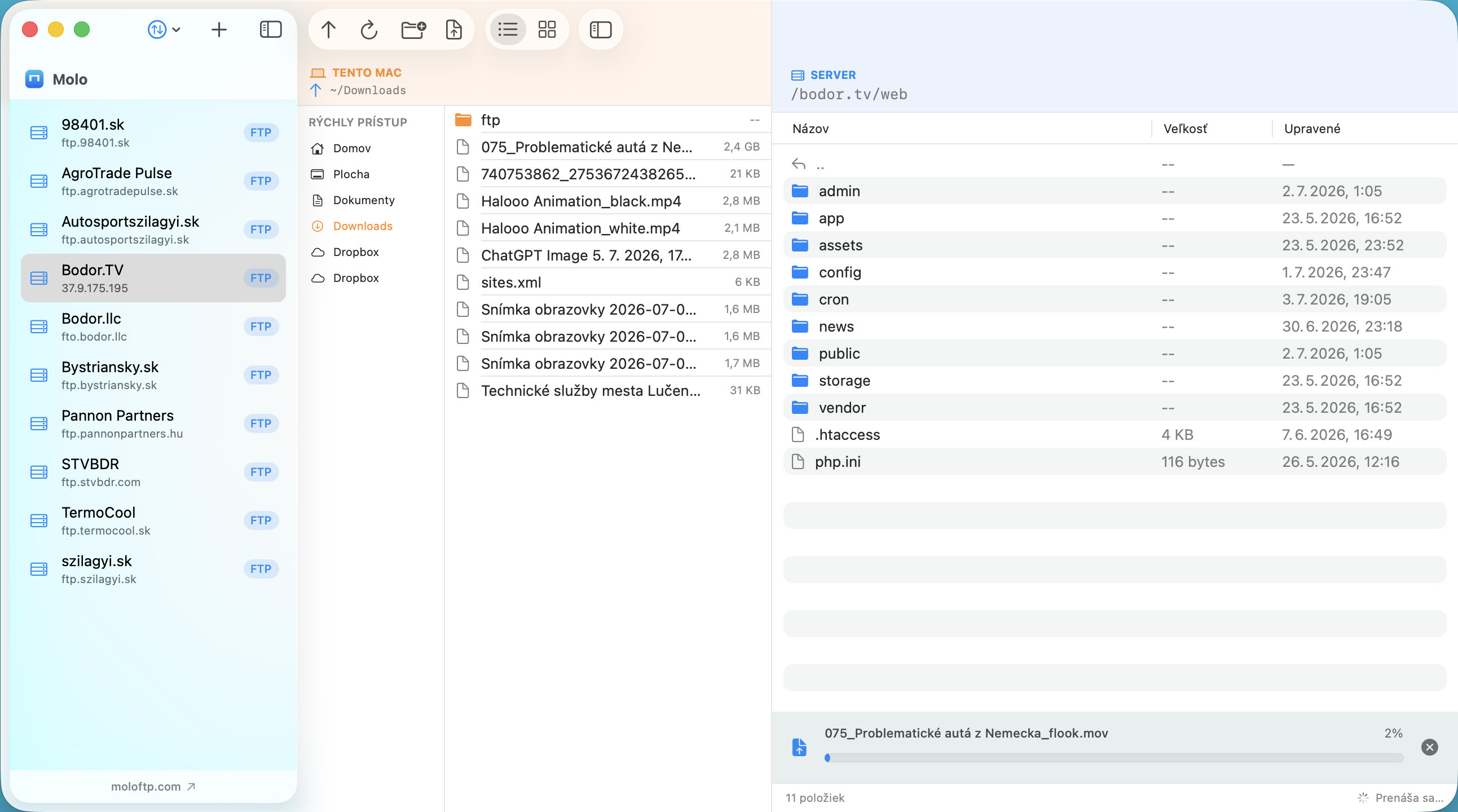
Apple Silicon Macs (M1, M2, M3, M4 and newer) run apps built for their own processor much faster and with less battery use than apps that need Rosetta translation. For an FTP client, which spends a lot of time waiting on the network, speed is only part of the story, but a native app still feels quicker, launches instantly and behaves better with macOS features such as Keychain, dark mode and notarization.
What to look for
- Native for Apple Silicon, no Rosetta needed.
- Protocols you use: FTP for older hosting, FTPS for encrypted FTP, SFTP for SSH-based transfer.
- Secure password storage in the macOS Keychain.
- Signed and notarized by Apple, so it opens without warnings.
- A clear interface: two panes (Mac and server) make transfers easy to follow.
- Reliable connections: automatic reconnect after sleep or network changes.
- A price you accept: free, one-time purchase or subscription.
The shortlist
| Client | Best for | Price | Notes |
|---|---|---|---|
| Molo | Simple, fast FTP/FTPS/SFTP on a Mac | $12 one-time | Native Apple Silicon, dual pane, Keychain, servers stay connected, notarized |
| Transmit | Professionals who want many services | Paid (check vendor) | Dual pane, broad feature set |
| Cyberduck | Cloud storage plus FTP/SFTP, on a budget | Free | Many protocols, browser-style window |
| FileZilla | Free cross-platform use | Free | Many advanced options, busier interface |
Terminal sftp | Developers comfortable on the command line | Built in | No graphical interface |
Note that recent versions of macOS no longer let Finder connect to FTP servers, so a dedicated client is needed for FTP.
Our pick, and why
We built Molo for people who spend their day moving files to websites and servers and just want it to work. It is written natively for Apple Silicon, shows your Mac and the server side by side, remembers your servers, keeps every opened server connected in the background and stores passwords in the macOS Keychain. It costs $12 once. It deliberately does not try to be a cloud-storage hub: if you need S3 or WebDAV, look at Cyberduck or Transmit.
Quick recommendations
- Simplest, native, small price: Molo.
- Everything under the sun, willing to pay: Transmit.
- Free and flexible: Cyberduck or FileZilla.
See also: Molo vs FileZilla, Molo vs Cyberduck and Molo vs Transmit.
Comparison written in October 2026 from the vendors' public information and our own use. Features and prices change, so check each vendor's website before you decide. All product names and trademarks belong to their respective owners; Molo is not affiliated with them.
Frequently asked questions
Does Molo run natively on Apple Silicon?
Yes. Molo is built for Apple Silicon Macs (M1 and newer) and requires macOS 14 or later. Intel Macs are not supported.
Can Finder connect to an FTP server?
Recent versions of macOS no longer support FTP in Finder, so you need an FTP client such as Molo, Transmit, Cyberduck or FileZilla.
Which FTP client is the easiest for beginners?
Clients with a clean dual-pane layout and saved servers, such as Molo, are the easiest to learn.